How To Charge?
Step 01
Plug The Connector
To Your Vehicle
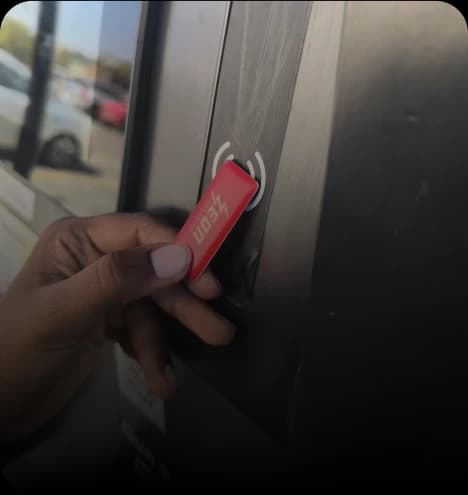
Step 02
Open the Zeon app
and select your charging station
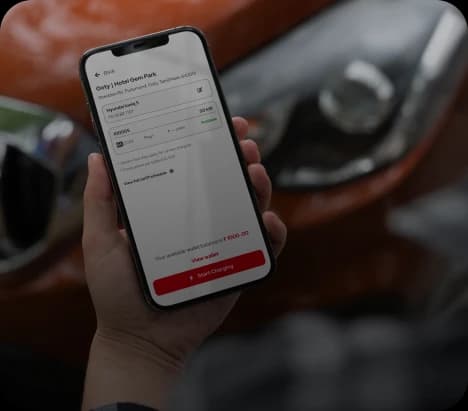
Step 03
Choose The Charger
& Connector Type Then Tap Start Charging.
Charging Your EV IsAs Simple As ABC
Find The Most Reliable Chargers With One App



Step 01
Plug The Connector
To Your Vehicle
Step 02
Scan The QR Code
On The Charger Using The Zeon App
Step 03
Tap Start Charging
and your session begins instantly!
Charging Your EV IsAs Simple As ABC
Find The Most Reliable Chargers With One App
Step 01
Start A Charging Session
Using The Zeon App. When Prompted Enable AutoCharge
For Your Vehicle
Step 02
Plug In The Connector
And The Session Will Start Automatically
No App Or RFID Needed!
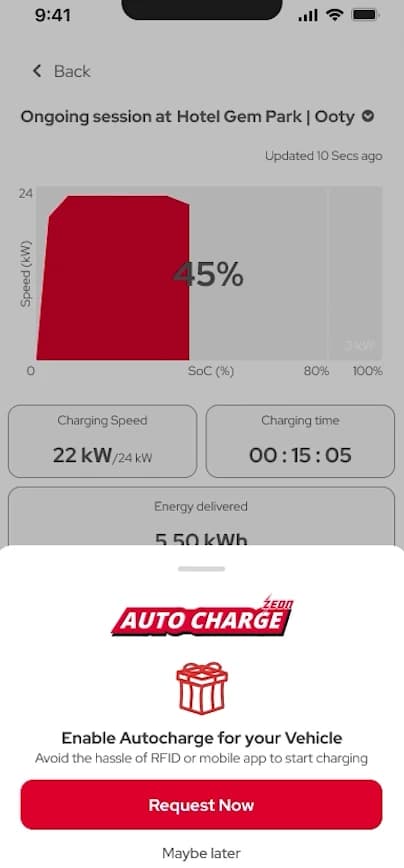
How To Enable
Autocharge?
If your vehicle have autocharge option you can enable an autocharge During
charging session or in an ZEON charging app
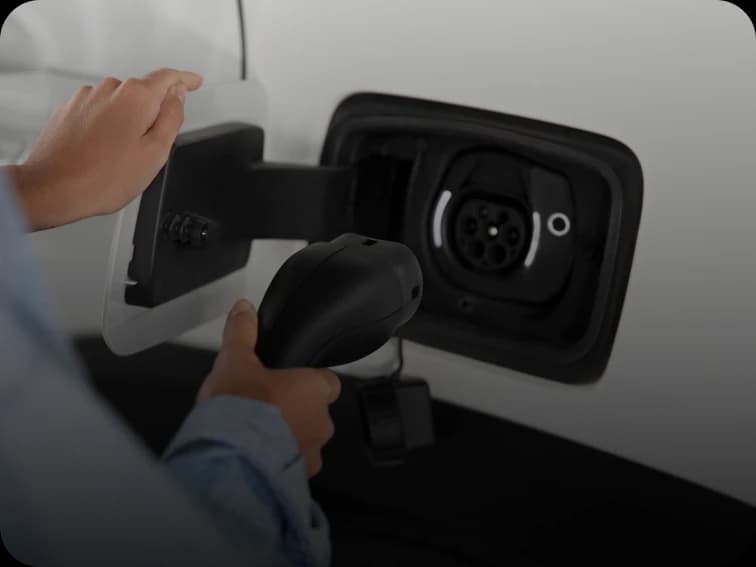
Step 01
Plug The Connector
Plug The Connector To The Vehicle To
Initiate The Charging
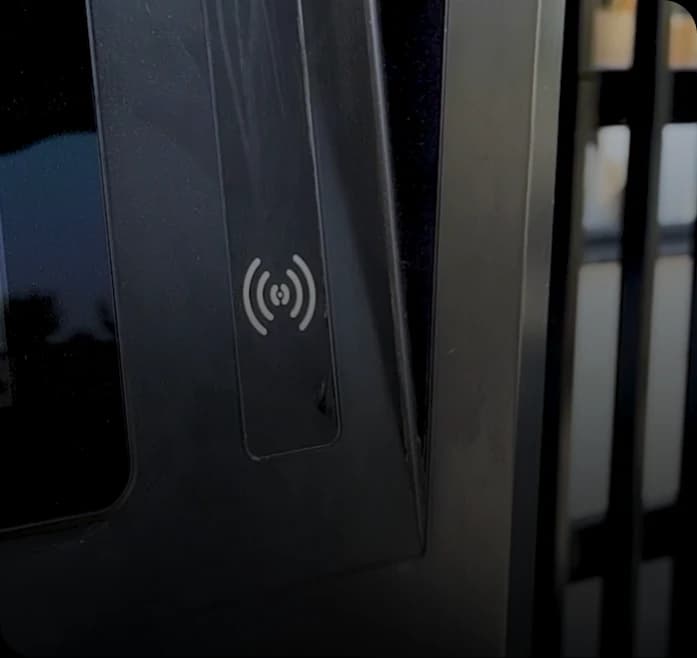
Step 02
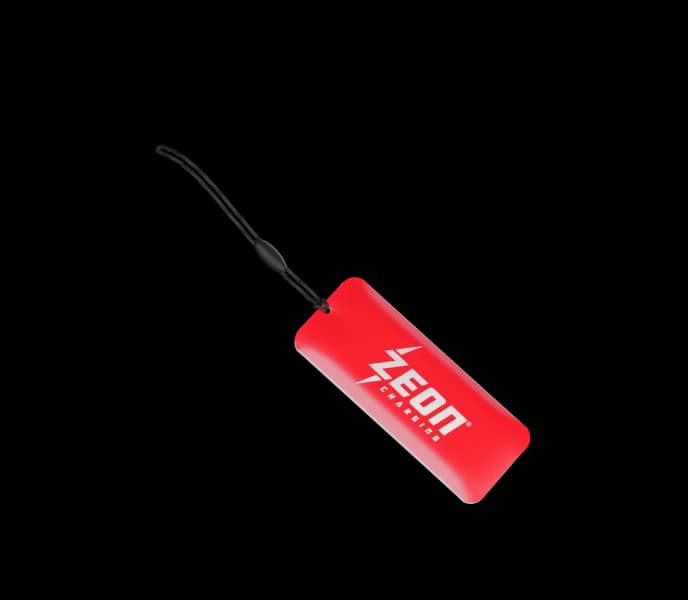
Tap Zeon RFID card
on the reader at the charging station
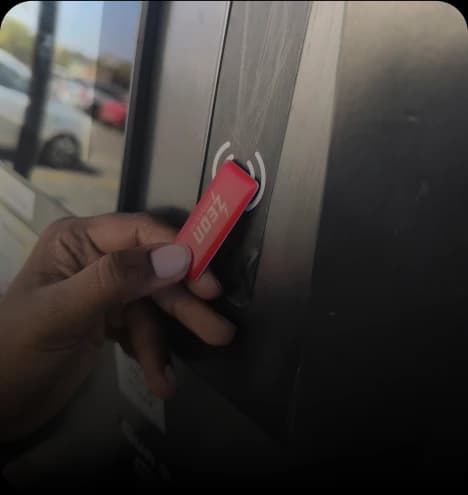
Step 03
Tap Again
When you’re ready to go,tap your RFID key again
to end the session and hit the road!
Charging SIMPLIFIED■
For those who prefer a faster and offline
friendly charging method, RFID cards provide instant authentication.